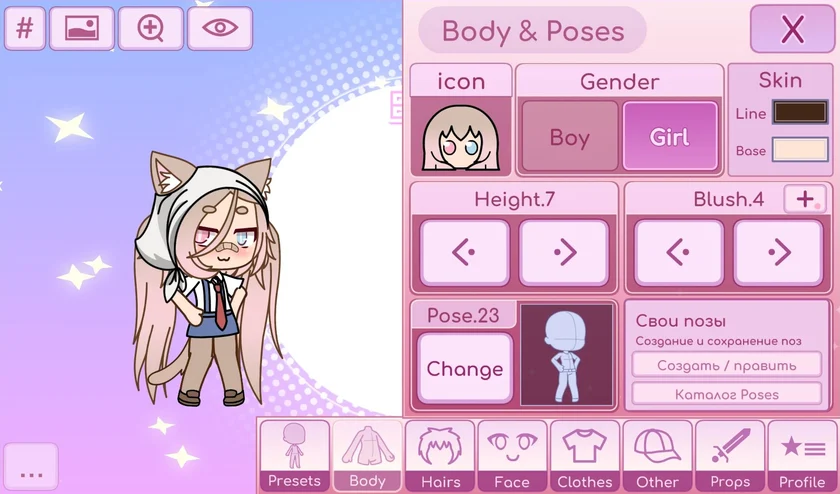
ChibiChu Mode is a fan-made expansion of Gacha Life created by milkachuu, with creative guidance from Gelu Gacha. It keeps what makes character creation fun and gives players more freedom to make something personal.
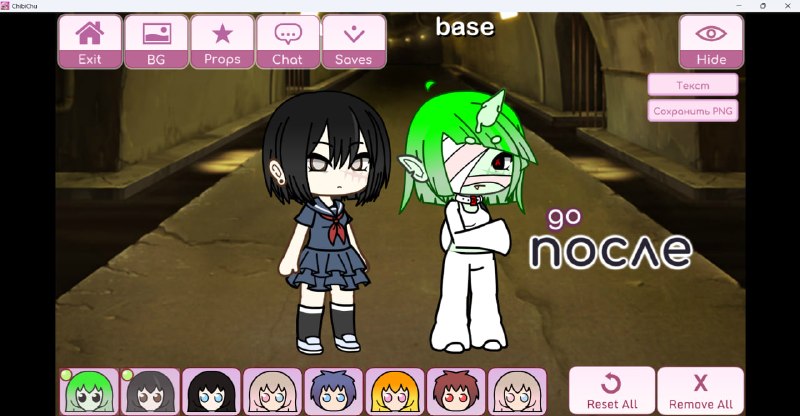
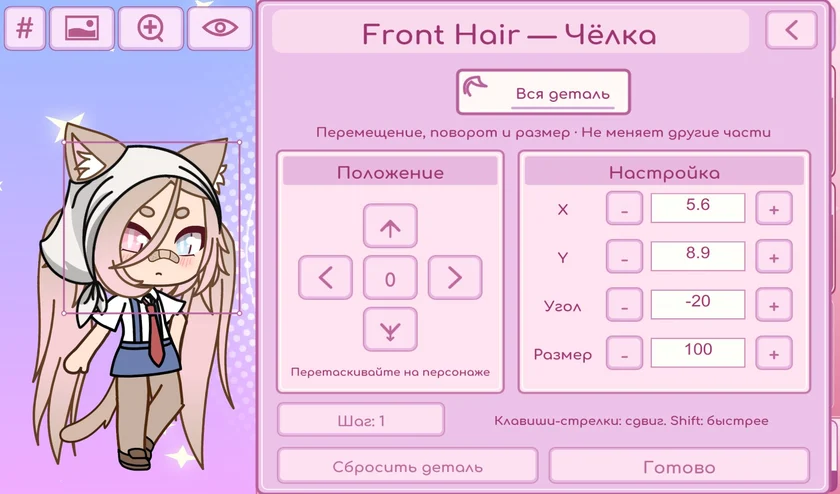
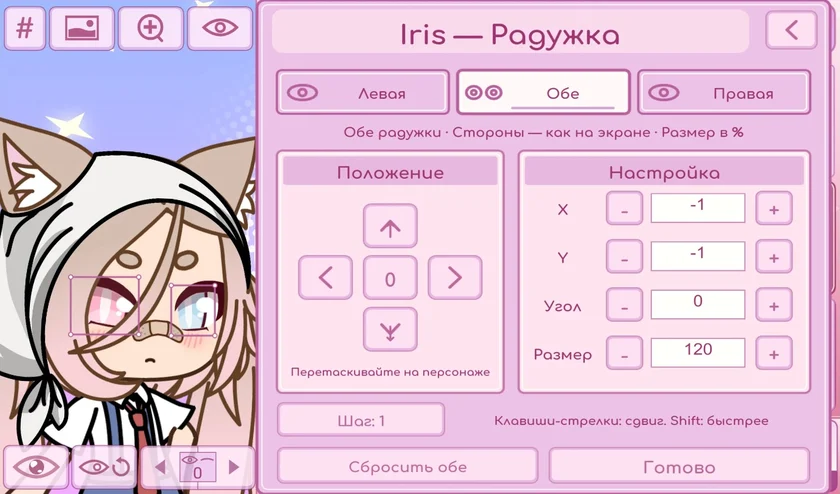
Built around a newer Unity version of the game, ChibiChu Mode introduces tools for shaping custom poses, adjusting individual parts, importing your own resources, and sharing characters. From a single accessory to a complete Studio scene, every detail is yours to explore.
Whether you are recreating a favourite character or making someone entirely new, ChibiChu Mode is a place to try ideas, discover your style, and enjoy the process.
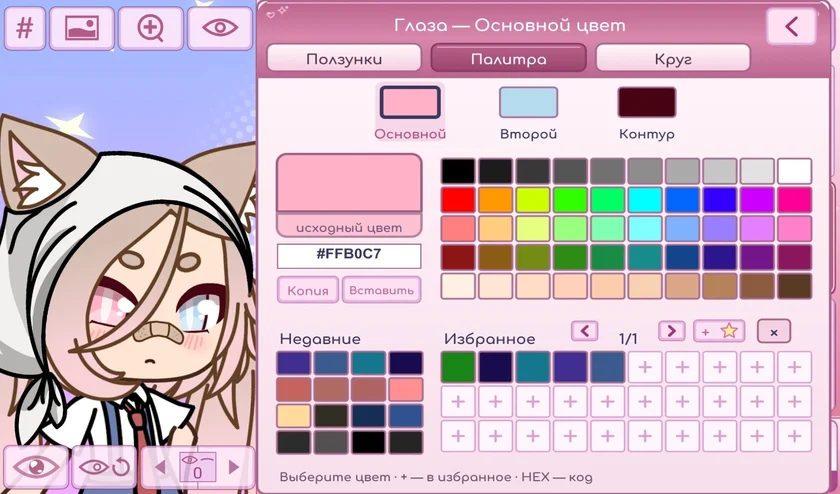
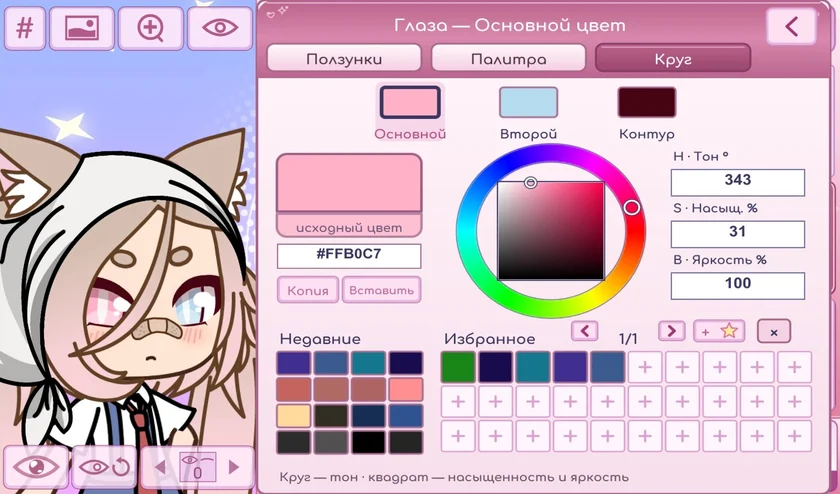
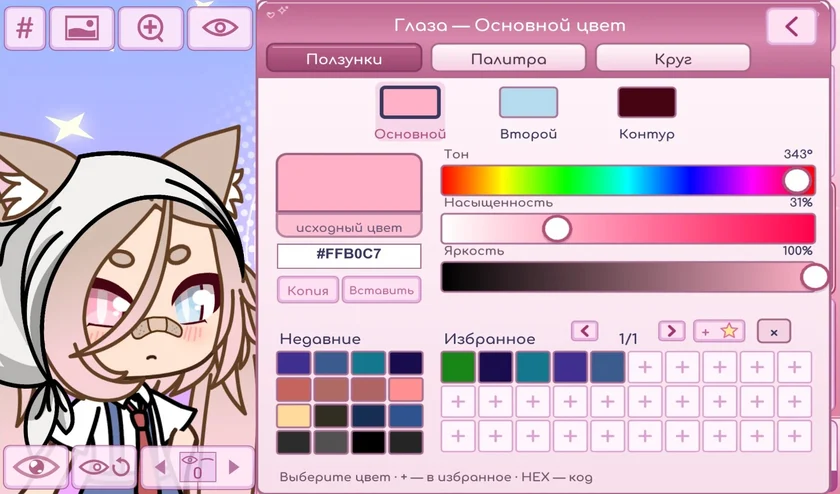
ChibiChu Mode, created by milkachuu with help from Gelu Gacha, expands the Gacha Life character editor with pose tools, colour controls, and more ways to export your work.
Install from the release post
On Windows, extract the archive before opening ChibiChu.exe. On Android, follow the instructions in the creator’s release post.
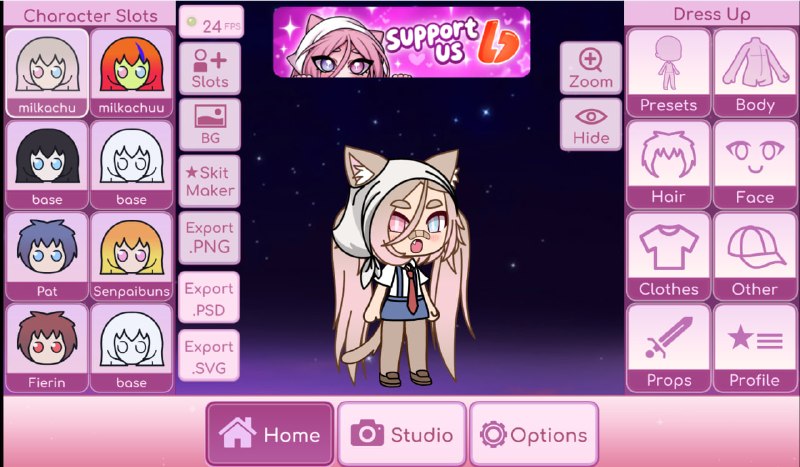
Choose a character slot
Use a mouse on PC or tap on Android to select a slot, then edit the hair, outfit, face, and accessories.
Pose and export
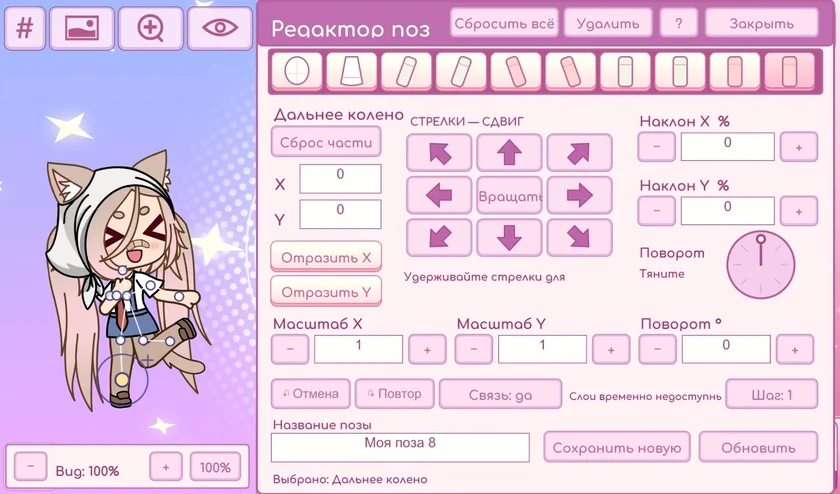
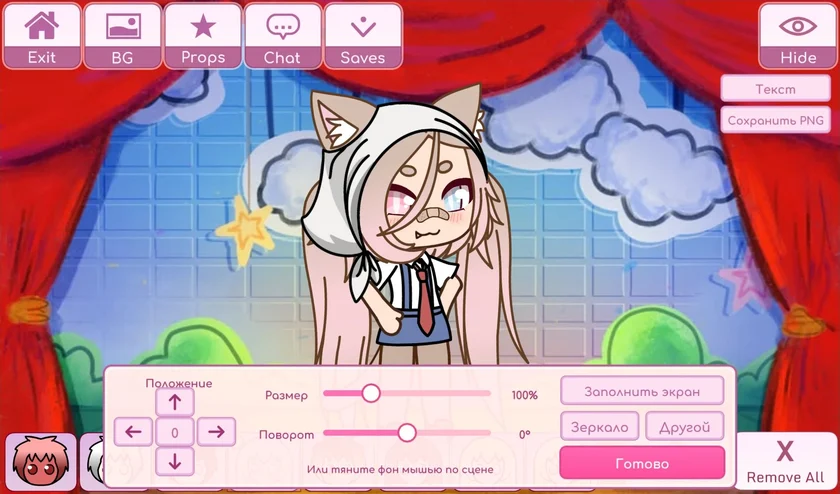
Open the pose editor to position the body. Export to PNG for a flat image or PSD to continue working with layers.
Watch it work
ChibiChu in motion
Creator videos and community reviews of the mod in action.
It is a Gacha Life fan mod by milkachuu with help from Gelu Gacha. It adds character editing, pose tools, and new ways to export your work.
Is ChibiChu free?
The creator provides the mod as a free download. Supporting the project is optional.
Is ChibiChu made by Lunime?
No. ChibiChu Mode is an independent fan modification. Gacha Life belongs to Lunime, which is not affiliated with or endorsing this project.
Where can I find release information?
Check the download section for the listed build and the project’s Telegram for release announcements.
Downloads and compatibility
What does the Windows edition require?
The listed Windows build requires 64-bit Windows 10 or 11, a DirectX 11-compatible graphics card, and at least 1 GB of free storage.
Can I play ChibiChu in a browser?
The creator’s releases documented here are an Android APK and a Windows ZIP. This guide links to those releases.
Can I install it on iPhone or iPad?
See the iOS availability guide for the creator’s current information and an iOS editor from Lunime.
Do I need to delete Gacha Life first?
The creator says you can keep the original app. Back up important character data before installing or updating the beta.
Why won’t my APK install?
Check that the download finished, confirm free space, and see the Android troubleshooting steps before removing an existing install.
How do I open the PC ZIP?
Extract the entire archive to a normal folder and open the app inside the extracted folder. See the Windows guide for requirements.
What if Windows shows a security warning?
Pause and verify the file’s source. Scan it with your security software, and do not run it unless you trust it.
Can I keep my existing characters?
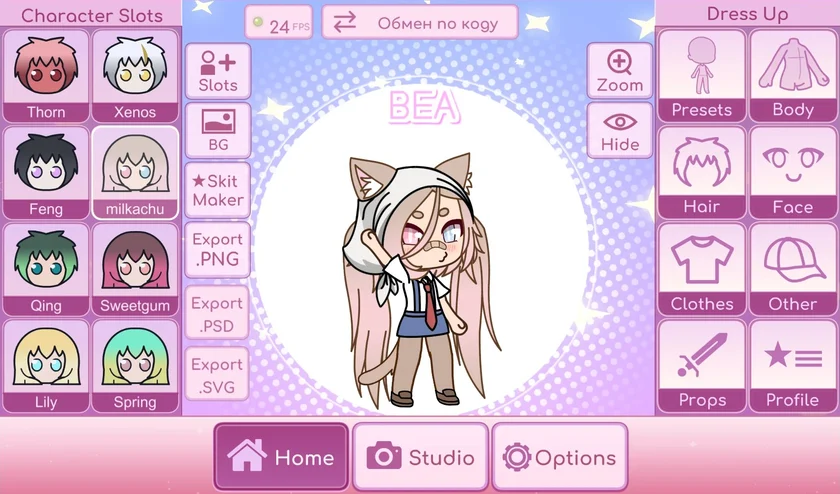
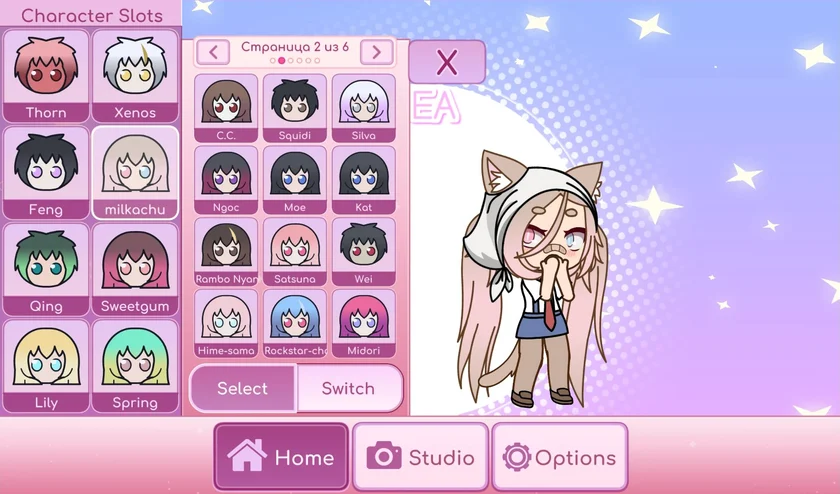
The project describes support for existing Gacha Life saves, but it is best to back them up before installing a modified game. The mod also adds extra character pages.
More questions
Which export format should I use?
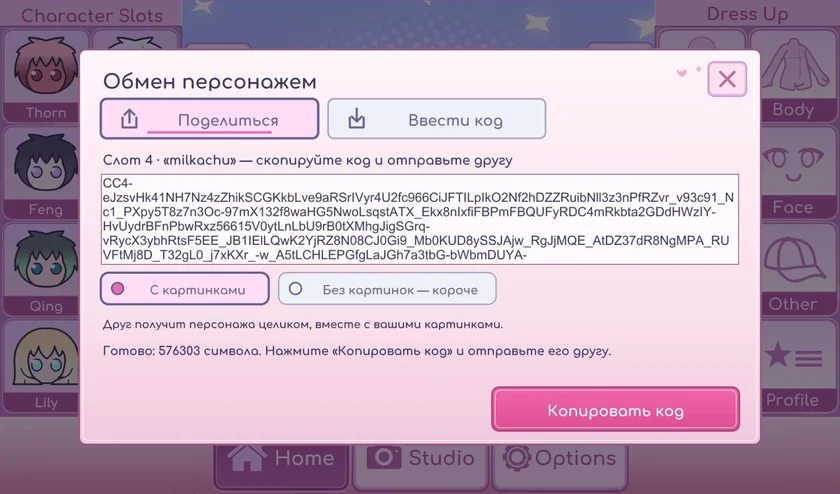
Use PNG for a flat image, PSD for a layered workflow, SVG for vector editing, or a character code to share editable settings. Check the format comparison.
Can I import custom hair and clothing?
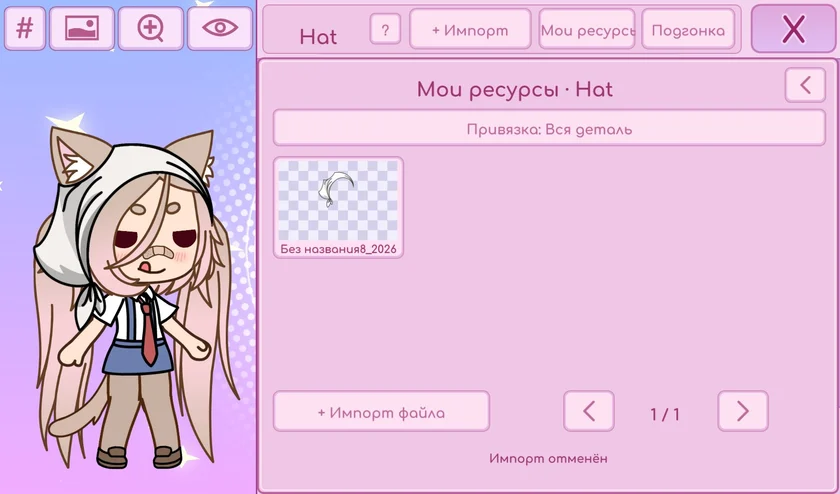
The project describes custom assets, but the creator flagged limits on early betas and recommended sticking to supported accessories. Check your release and test in a spare slot.
Why might a shared character look different?
A character code may reference custom assets the recipient is missing. Compare builds and asset availability first.
Where can I report a bug?
Use the creator’s Telegram channel. Include your build, device, and the steps needed to reproduce the issue.
Who owns Gacha Life?
Gacha Life is by Lunime. ChibiChu is an independent fan modification and this website is an independent fan guide.
Where can I report a bug or share an idea?
Reach the project community through its Telegram. Include the build version and a brief description of the problem.

 Gacha Life
 Gacha Club
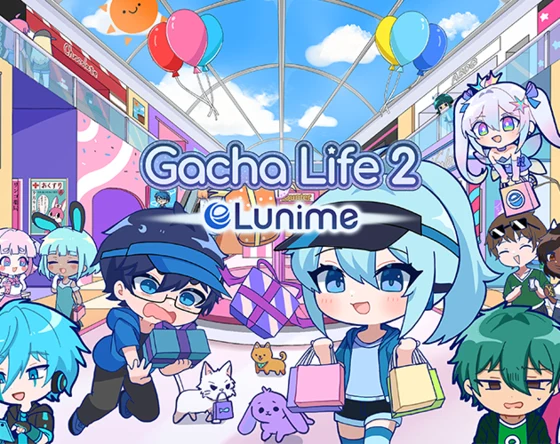 Gacha Life 2